Free Fire Zone Controls & Settings
Dial in Free Fire Zone inputs so rifles, SMGs, and Gloo Walls respond on command.
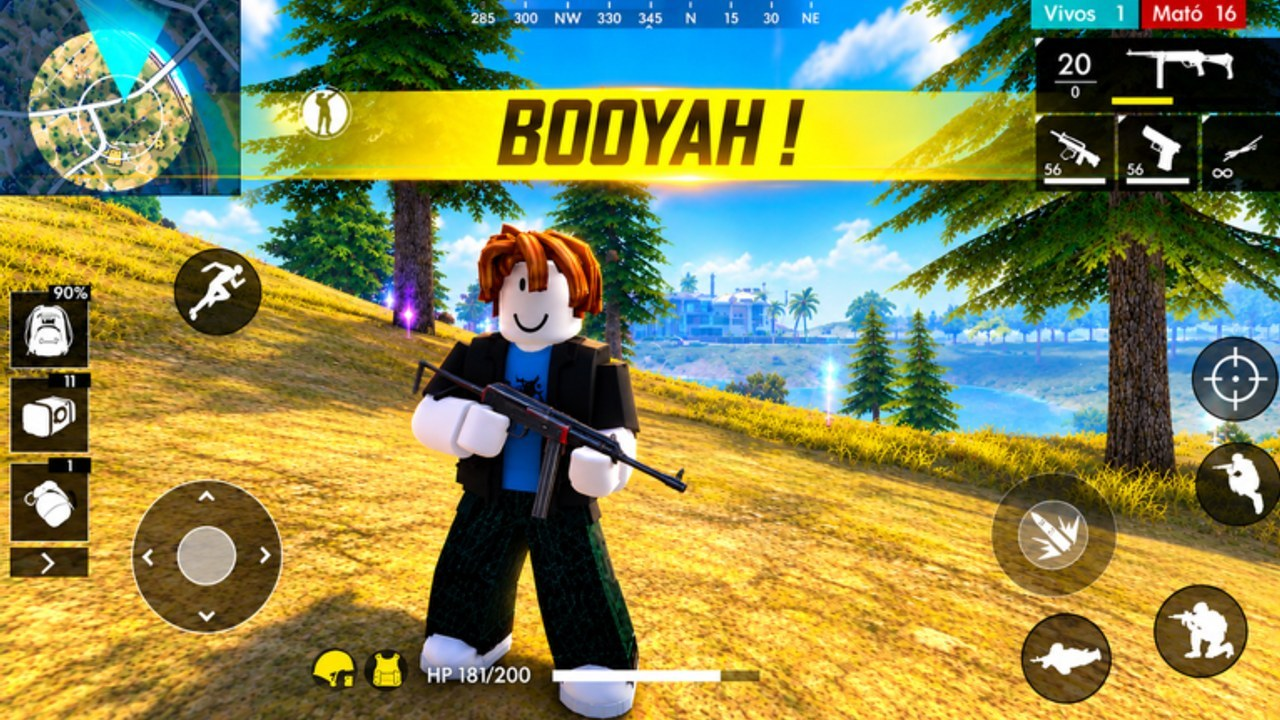
Great Free Fire Zone players look like they have “aim hacks.” Usually they have boring settings and clean habits. This controls & settings guide helps you stabilize Roblox inputs for Free Fire Zone Max—Barrera_CC’s free-to-play continuous shooter with rifles, SMGs, shotguns, Gloo Walls, skins, Lucky Royale, and ranks—without chasing random sensitivity copied from a mobile Free Fire creator.
Work through this page after getting started and before you blame the weapons tier list for losses.
Platform realities on Roblox
Free Fire Zone runs inside Roblox, so your “settings” stack has layers:
- OS / device — mouse DPI, controller deadzones, mobile touch if you play on phone/tablet Roblox
- Roblox client — graphics quality, camera sensitivity, shift-lock preferences where relevant
- Experience UI — any in-game sensitivity, keybind, or accessibility toggles Barrera_CC exposes after rebuilds
September–November 2026 rebuilds (updates, changelog) can move menus. If a slider vanished, check Updates before resetting your whole muscle memory.
Sensitivity philosophy
Pick a sensitivity you can stop on a target, not one that can spin 360° for content.
Mouse
- Choose a DPI and leave it alone for two weeks
- Lower horizontal speed until first-bullet rifle sprays land mid-chest at mid-range
- Vertical can sit slightly lower than horizontal if you overflick into the sky
- Avoid changing sense after every death—change after a full practice block
Controller
- Start with moderate look speed and raise only until you can track an SMG strafer
- Tighten deadzones just enough to remove drift without sticky aim
- Map wall deploy to a bumper/trigger you can hit while tracking
Touch
- Give fire, scope/ADS (if present), and Gloo Wall generous hitboxes
- Keep HUD scale readable on ~18-player chaos; tiny buttons cost ranked points (ranks)
Essential binds to prioritize
Whatever the current Free Fire Zone key map looks like after a rebuild, ensure you can reach these without looking down:
| Action | Why it matters |
|---|---|
| Fire / ADS | Obvious—but bind conflicts with Roblox camera keys hurt |
| Gloo Wall deploy | Panic walls fail if the key is awkward—see Gloo Walls |
| Reload | Continuous lobbies punish slow reloads in the open |
| Weapon swap | Rifle↔SMG/shotgun swaps win compound fights (weapons guide) |
| Crouch / slide (if available) | Shrinks head hitbox behind fresh walls |
| Push-to-talk / mute | Comms without ear damage |
Practice the wall key in a quiet moment the same way you practice shooting. Muscle memory under stress is the entire point.
Graphics and clarity
Pretty shadows lose to readable silhouettes.
- Prefer frame rate stability over max Roblox graphics when lobbies near peak CCU
- Raise clarity on characters and muzzle direction when options exist
- Disable distracting post-effects if they hide footsteps cues you rely on
- Keep UI scale large enough to see wall charges and ammo
If your machine hitch-stutters every time Lucky Royale VFX spams, lower quality—cosmetics are not TTK.
Warm-up routine (eight minutes)
- Track — Follow a moving bot or teammate sideways without overshooting.
- Micro flicks — Small corrections onto heads at mid-range rifle distance.
- Wall key spam (controlled) — Deploy, edge left, edge right, holster mental panic.
- Swap drill — Empty rifle mag into safe prop, swap secondary, fire two shots.
- One live fight focusing only on crosshair height — Ignore leaderboard anxiety.
Then enter real lobbies with the loadout you already chose. Warm-ups that change three settings every night teach nothing.
Troubleshooting common feel issues
| Symptom | Likely cause | Fix |
|---|---|---|
| Shots float above heads | Sense too high / crosshair too high | Lower sense; aim chest-first |
| Cannot track SMG users | Sense too low or frames tanking | Slight raise OR raise FPS |
| Walls late | Bind unreachable | Rebound wall next to movement |
| “Gun feels different today” | Rebuild or DPI software reset | Check changelog; verify DPI |
| Input lag | Background overlays / streaming | Close overlays; wire connection |
Accessibility and comfort
- Take breaks; continuous action invites marathon tilt
- Lower camera shake if the client or experience exposes it
- Use headphones at safe volumes—footsteps matter more than hype music
- Colorblind modes (if present) beat guessing enemy outlines
What settings cannot fix
Settings will not save a C-tier novelty gun forced into every open field, and they will not replace wall economy. They also will not justify scripts Aimbot—injectors risk bans and skip the skill this guide builds. Codes and skins (codes hub) never raise your effective sensitivity either.
Link your settings to the rest of the wiki
- Learn fight structure: Gloo Walls
- Apply aim to kits: weapons guide + tier list
- Climb with stable inputs: players / rank progression
- Re-check after patches: updates
- Safe launch URL: official links
Lock a sensitivity, lock your wall bind, and give the pair a week. Free Fire Zone’s continuous lobbies will tell you honestly whether the dial was right—no fake mobile codes or cheat menus required.
Frequently Asked Questions
Quick answers to the most common questions.
What sensitivity should I use in Free Fire Zone?
Use the lowest speed that still lets you track strafing targets while stopping on mid-range rifle shots. Copying a mobile Free Fire creator’s numbers rarely translates cleanly to Roblox.
Which bind matters most after shoot and move?
Gloo Wall deploy. If you cannot plant cover under stress, panic fights collapse even with strong guns.
Should I max Roblox graphics?
Prefer stable frame rate and readable targets over maximum effects, especially in busy continuous lobbies.
Why does my aim feel different after an update?
Rebuilds can alter camera feel or menus. Check the changelog, confirm your DPI software did not reset, then re-run a short warm-up.
Can scripts replace good settings?
They can ban your account and teach nothing durable. Invest in sensitivity discipline and wall binds instead.